
Subway BOGO: Buy One, Get One Deals Explained
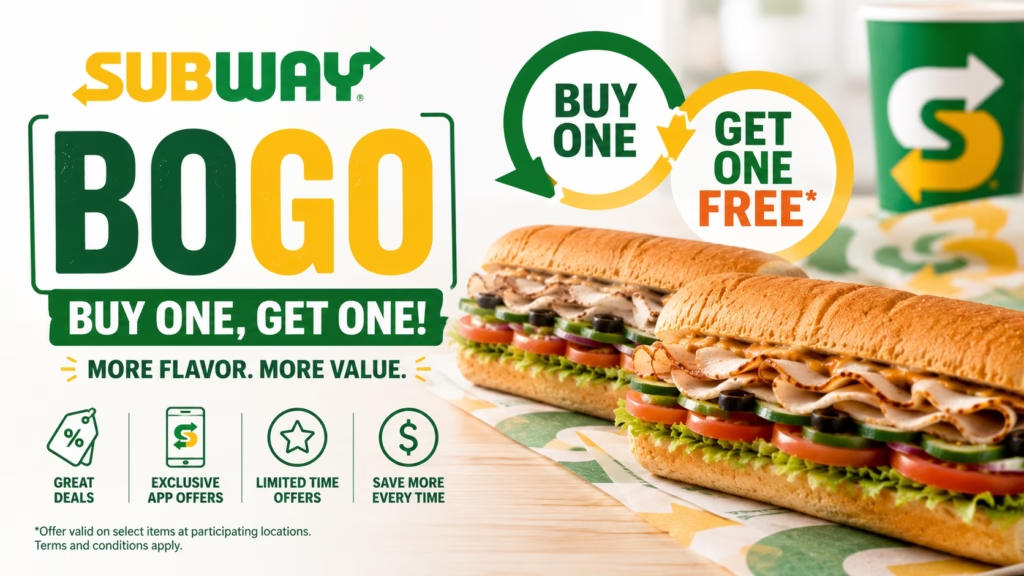
Looking for a Subway BOGO deal? Subway occasionally offers Buy One, Get One (BOGO) promotions that let customers receive a second eligible sandwich at a discount or even free, depending on the terms of the offer.
In this guide, you’ll learn how Subway BOGO deals work, where to find them, and how to redeem eligible offers.
What Is a Subway BOGO Deal?
BOGO stands for Buy One, Get One.
During eligible promotions, customers purchase one qualifying menu item and receive a second qualifying item based on the promotion’s terms.
Examples may include:
- Buy One Footlong, Get One Free
- Buy One Footlong, Get One 50% Off
- Buy One, Get One with a promo code
- Limited-time app-exclusive BOGO offers
Available promotions vary by location and date.
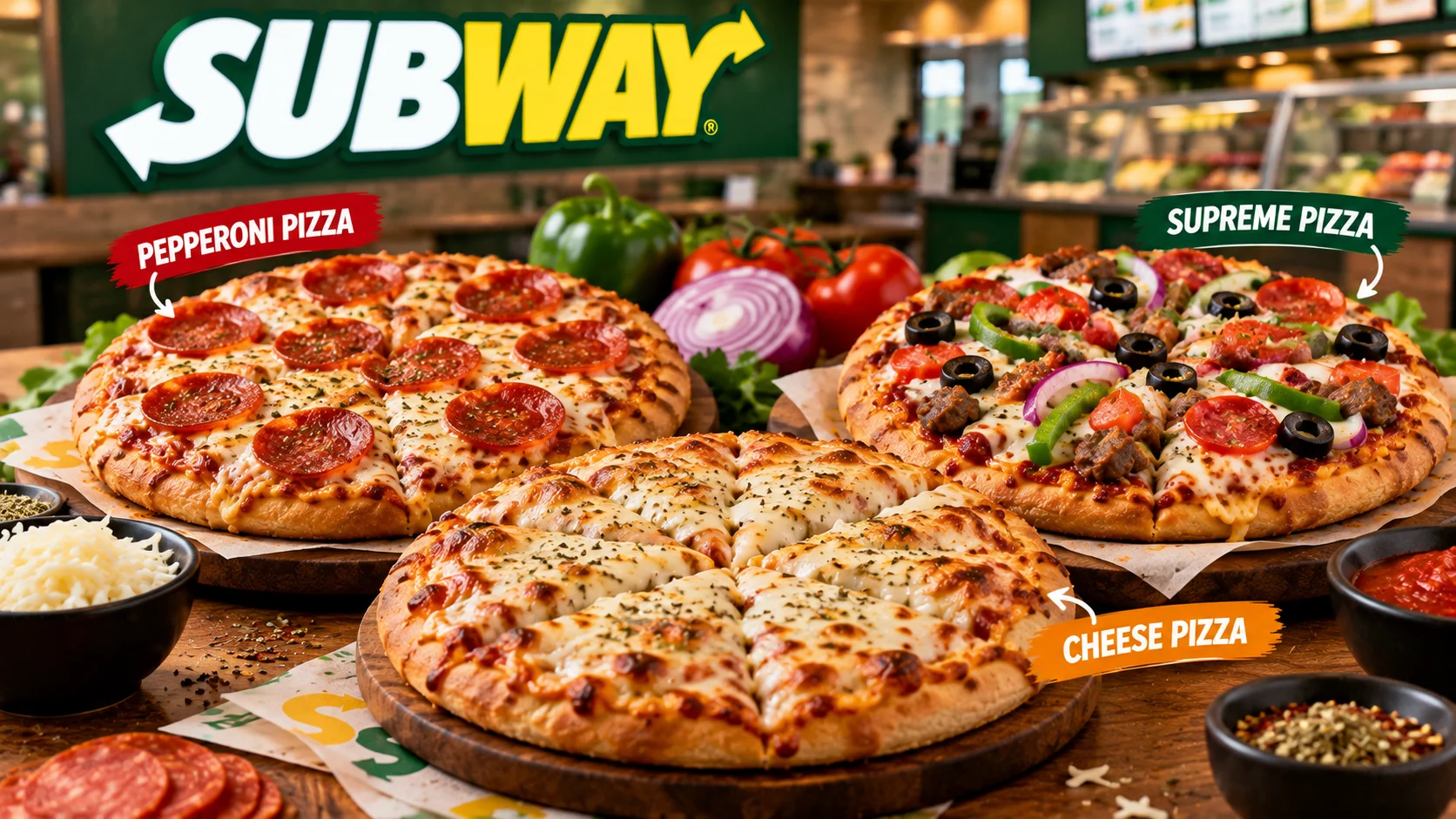
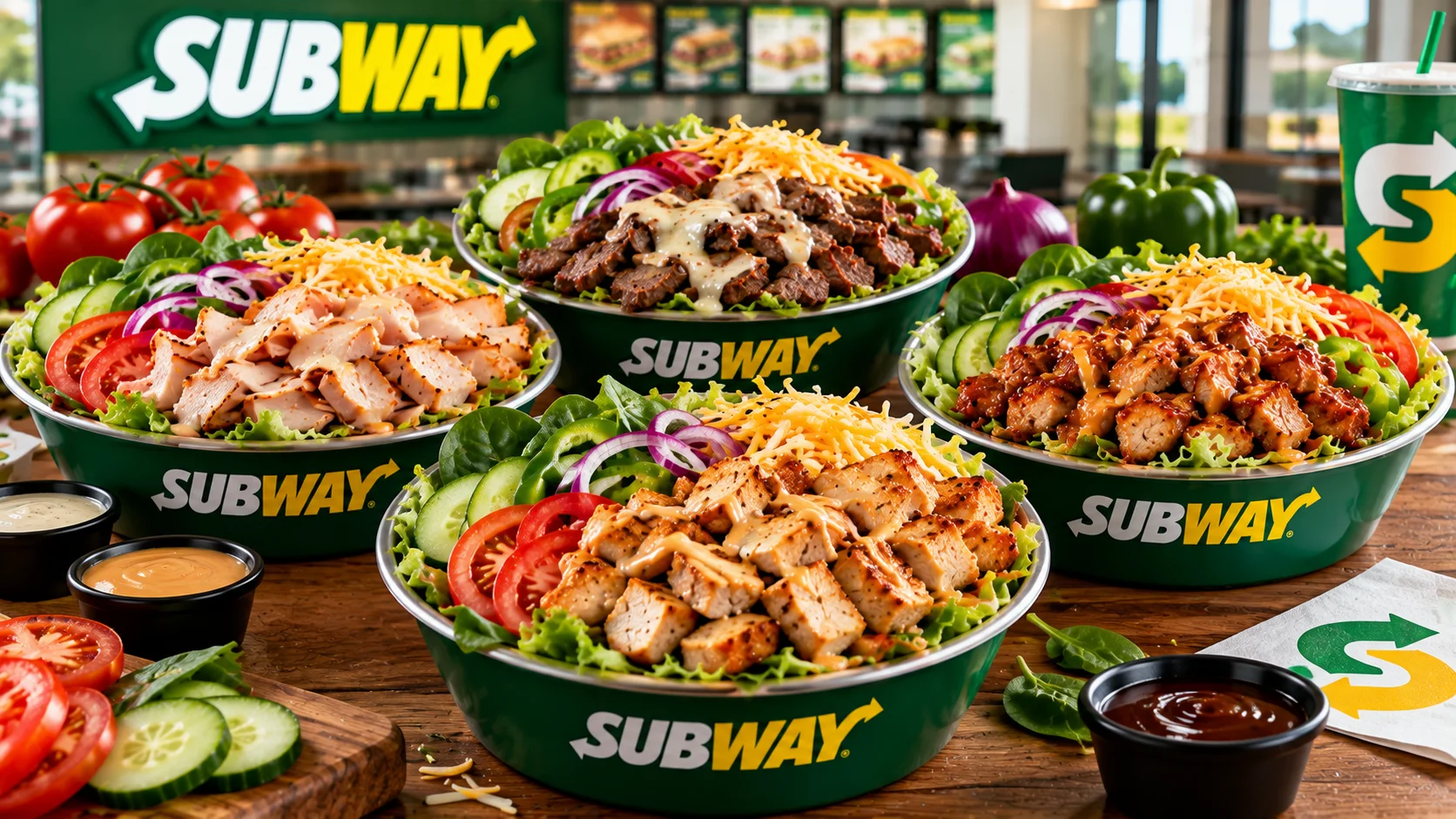
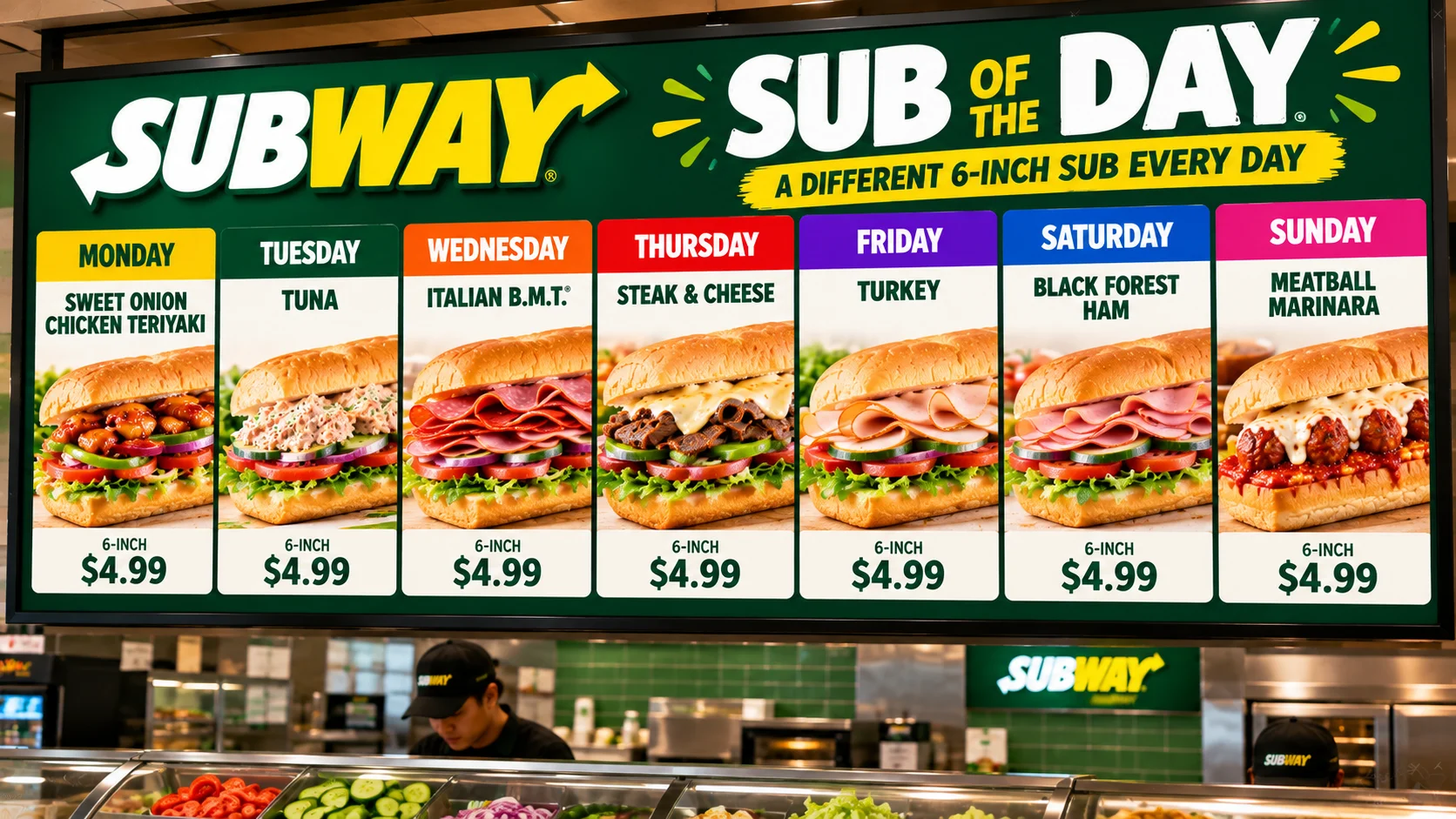
Before building your buy-one-get-one order, explore the complete Subway menu on our homepage to see which classic or premium sandwiches you can mix and match.
Active Subway BOGO Promo Codes (Updated September 2026)
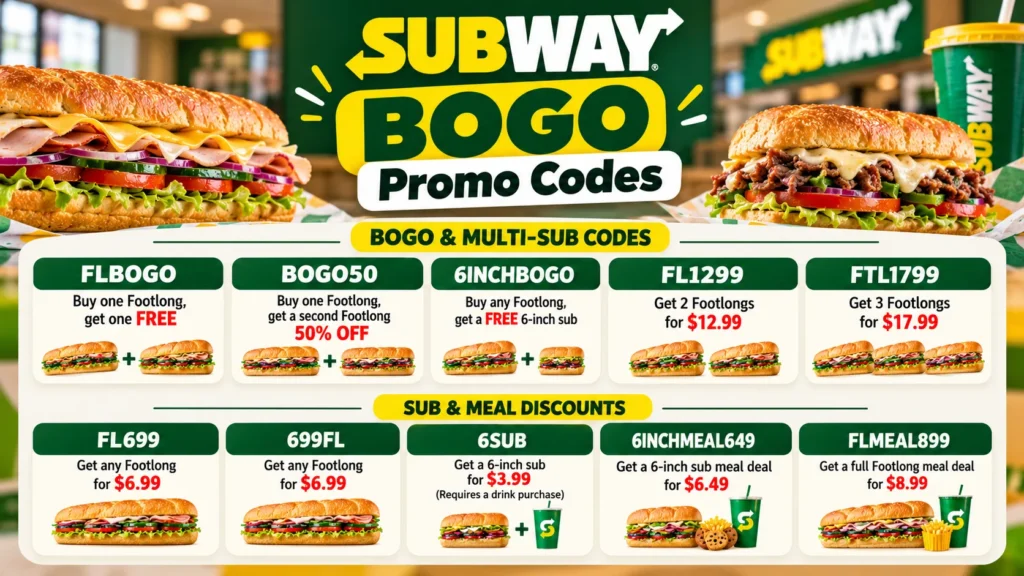
The standard national promo code for Subway’s Buy One, Get One Free Footlong deal is FLBOGO.
Because Subway locations are independently owned franchises, individual owners may choose to offer a 50% discount instead of a completely free sub, or opt-out of the code entirely. If the main code does not work at your closest location, try these alternative multi-sub and BOGO fallback codes at checkout:
- FLBOGO – Buy one Footlong, get one FREE (Participating locations only).
- BOGO50 – Buy one Footlong, get a second Footlong 50% OFF.
- 6INCHBOGO – Buy any Footlong, get a FREE 6-inch sub.
- FL1299 – Get 2 Footlongs for $12.99.
- FTL1799 – Get 3 Footlongs for $17.99.
Additional Subway Sub & Meal Discounts
If you only need a single sub or a meal deal, you can use these active digital coupons instead:
- FL699 or 699FL – Get any Footlong for $6.99.
- 6SUB – Get a 6-inch sub for $3.99 (Requires a drink purchase).
- 6INCHMEAL649 – Get a 6-inch sub meal deal for $6.49.
- FLMEAL899 – Get a full Footlong meal deal for $8.99.
💡 Pro-Tip from Abhishek: Want to know if your local store accepts these codes without driving there? The absolute fastest way to check is to add your two favorite sandwiches to your cart in the official Subway app, type FLBOGO into the promo code field, and hit apply. If the price drops before you input your payment info, your location is fully participating!
Does Subway Always Offer BOGO?
No.
BOGO promotions are typically offered during limited-time promotional events. They are not available year-round at every participating restaurant.
Before ordering, check the latest promotions available through Subway.
Where Can You Find Subway BOGO Offers?
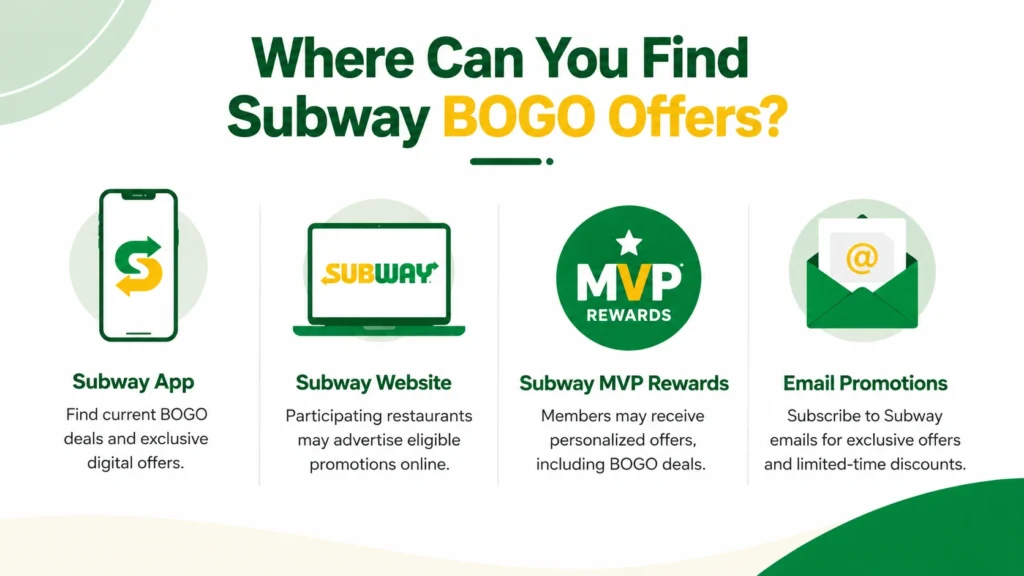
Subway App
The Subway app is one of the best places to find current BOGO promotions and exclusive digital offers.
Subway Website
Participating restaurants may advertise eligible promotions on the official Subway website.
Subway MVP Rewards
Members of Subway MVP Rewards may receive personalized offers, including occasional BOGO promotions.
Email Promotions
Customers subscribed to Subway emails may receive promotional offers and limited-time discounts.
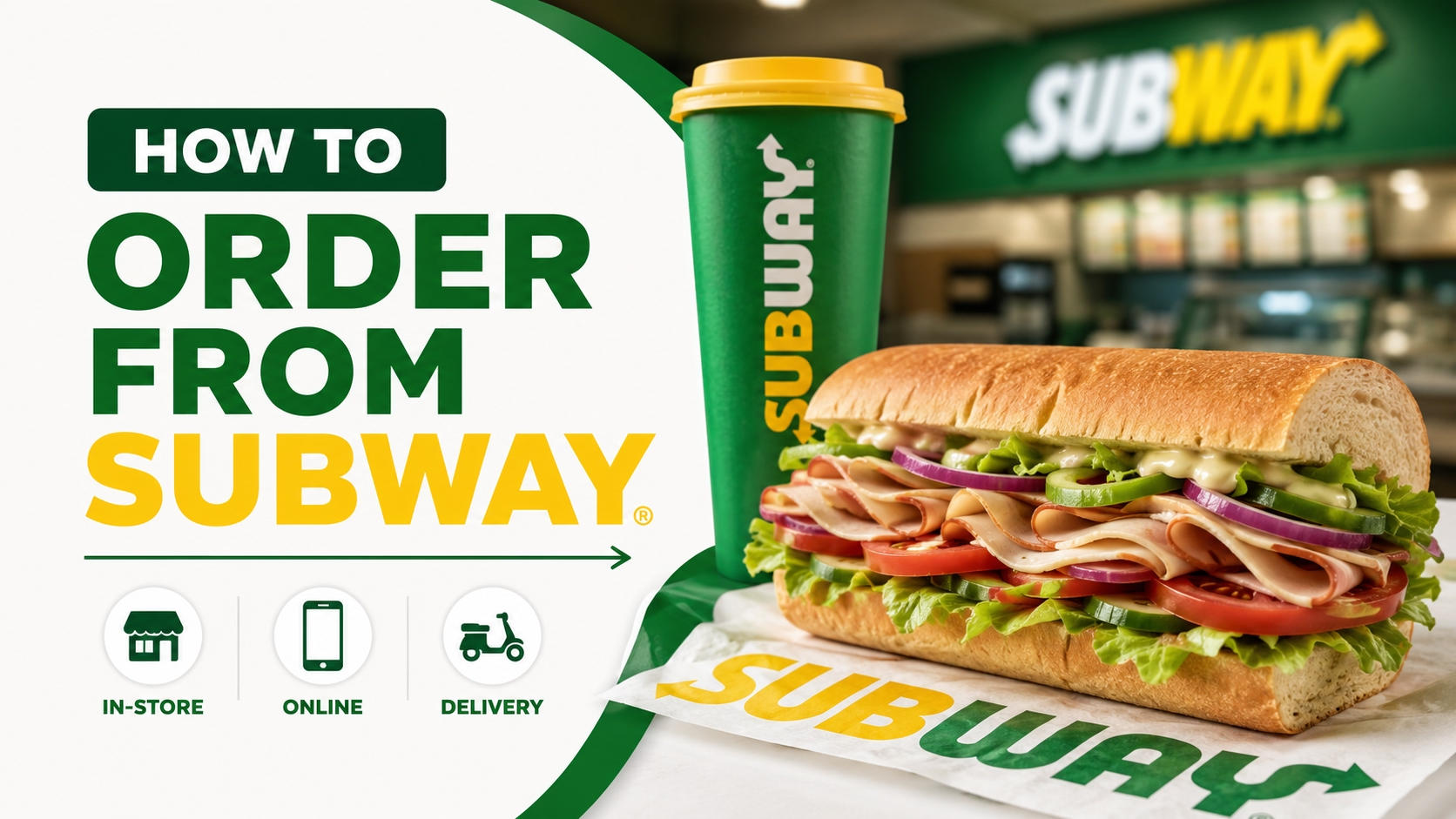
How to Redeem a Subway BOGO Offer
In the Subway App
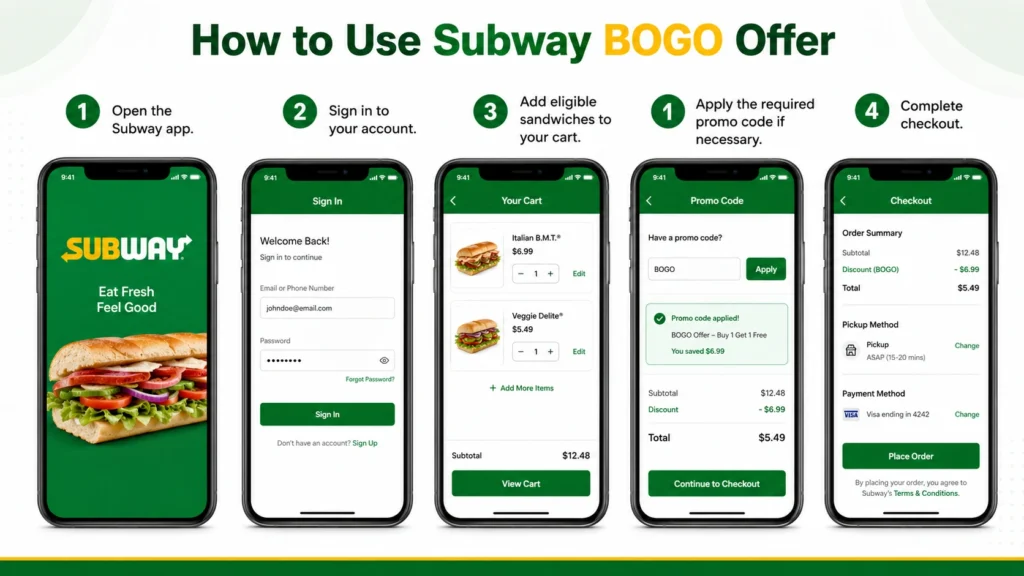
- Open the Subway app.
- Sign in to your account.
- Add eligible sandwiches to your cart.
- Apply the required promo code if necessary.
- Complete checkout.
Some offers apply automatically, while others require a promotional code.
In-Store
Some participating restaurants accept printed or digital BOGO offers.
Show the coupon or offer before completing your purchase.
Why Isn’t My Subway BOGO Offer Working?
A BOGO promotion may not work if:
- The offer has expired.
- Your restaurant is not participating.
- The required promo code was not entered.
- Your order doesn’t meet the promotion requirements.
- The offer is only valid through the Subway app.
Always review the promotion details before ordering.
Tips for Saving More at Subway
Along with BOGO promotions, you can also save by:
- Joining Subway MVP Rewards.
- Using app-exclusive deals.
- Checking seasonal promotions.
- Looking for digital coupons.
- Ordering limited-time value meals when available.
You can also check our Subway coupons guide to discover other ways to save on your next meal.
Frequently Asked Questions
Final Thoughts
Subway BOGO promotions are a great way to save on your favorite sandwiches when they’re available. Since these offers are typically limited-time promotions, the easiest way to stay informed is by checking the Subway app, joining Subway MVP Rewards, and reviewing current offers before placing your order. Be sure to read the promotion details carefully, as eligibility and participation may vary by location.


Why can’t I get a list of Subway locations that DO honor the BOGO for the August Sandwich month ?
Hi George,
Great question! Unfortunately, because the vast majority of Subway restaurants are independently owned franchises, individual owners have the freedom to opt out of corporate promotions and national coupons. Because store participation changes constantly based on local management and profit margins, it is nearly impossible to maintain an accurate, up-to-date list of participating locations.
The most reliable way to check if your local store honors the deal is to add the sandwiches to your cart in the official Subway app or website, apply the promo code, and see if the discount kicks in at checkout before you pay.
Hope this helps clarify things!