How to Order From Subway?
If you’re visiting Subway for the first time, ordering can feel a little confusing because there are many bread, protein, cheese, topping, and sauce options. The good news is that the process is simple once you know the steps.
In this guide, I’ll show you exactly how to order from Subway, whether you’re dining in, ordering ahead online, using the Subway app, or getting delivery.
How to Order at Subway (In-Store)
Ordering inside a Subway restaurant is quick and easy. Simply walk to the counter, and a Sandwich Artist will guide you through each step.
Step 1: Choose Your Bread
Start by selecting the type of bread you’d like.
Popular choices include:
- Italian
- Italian Herbs & Cheese
- Hearty Multigrain
- Artisan Italian
- Flatbread
- Wrap (available for many sandwiches)
Step 2: Pick the Size
Choose between:
- 6-inch Sub
- Footlong Sub
Some menu items may also be available as wraps or salads.
Step 3: Select Your Sandwich or Protein
You can either:
- Choose a Subway Series sandwich (pre-designed recipes), or
- Build Your Own by selecting your preferred protein.
Popular protein choices include:
- Turkey
- Ham
- Steak
- Rotisserie-Style Chicken
- Tuna
- Meatballs
- Veggie Patty (availability varies)
Step 4: Choose Your Cheese
Available cheese options may vary by location.
Common choices include:
- American
- Provolone
- Pepper Jack
- Monterey Cheddar
- Fresh Mozzarella (selected locations)
Step 5: Toast It (Optional)
The employee will ask if you’d like your sandwich toasted.
If yes, your sandwich is briefly heated before vegetables are added.
Step 6: Add Vegetables
Now choose your favorite toppings.
Popular vegetables include:
- Lettuce
- Tomatoes
- Cucumbers
- Onions
- Green Peppers
- Pickles
- Spinach
- Jalapeños
- Banana Peppers
You can add as many vegetables as you’d like unless otherwise noted.
Step 7: Choose Sauces & Seasonings
Finish your sandwich with sauces and seasonings.
Popular sauces include:
- Mayonnaise
- Chipotle Southwest
- Ranch
- MVP Parmesan Vinaigrette
- Buffalo
- Honey Mustard
- Sweet Onion Teriyaki
Seasonings may include:
- Salt
- Black Pepper
- Parmesan Cheese
- Oregano
Step 8: Add Sides and Drinks
If you’d like, add:
- Chips
- Cookies
- Fountain Drink
- Bottled Beverage
You can also order a combo meal at participating locations.
Step 9: Pay
Pay using:
- Cash
- Credit or Debit Card
- Mobile Wallet (where accepted)
- Subway Gift Card
After payment, your order is ready to enjoy.
How to Order Subway Online
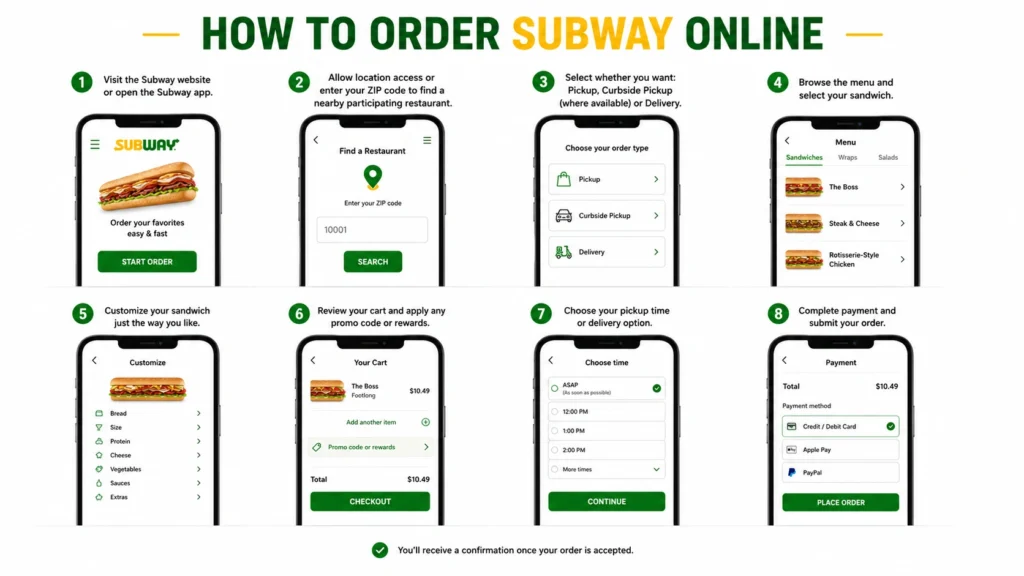
Ordering online lets you customize your meal before arriving at the restaurant.
Step 1
Visit the official Subway ordering website or open the Subway app.
Step 2
Allow location access or enter your ZIP code to find a nearby participating restaurant.
Step 3
Select whether you want:
- Pickup
- Curbside Pickup (where available)
- Delivery
Availability depends on the restaurant.
Step 4
Browse the menu and select your sandwich.
Step 5
Customize:
- Bread
- Size
- Protein
- Cheese
- Vegetables
- Sauces
- Extras
Step 6
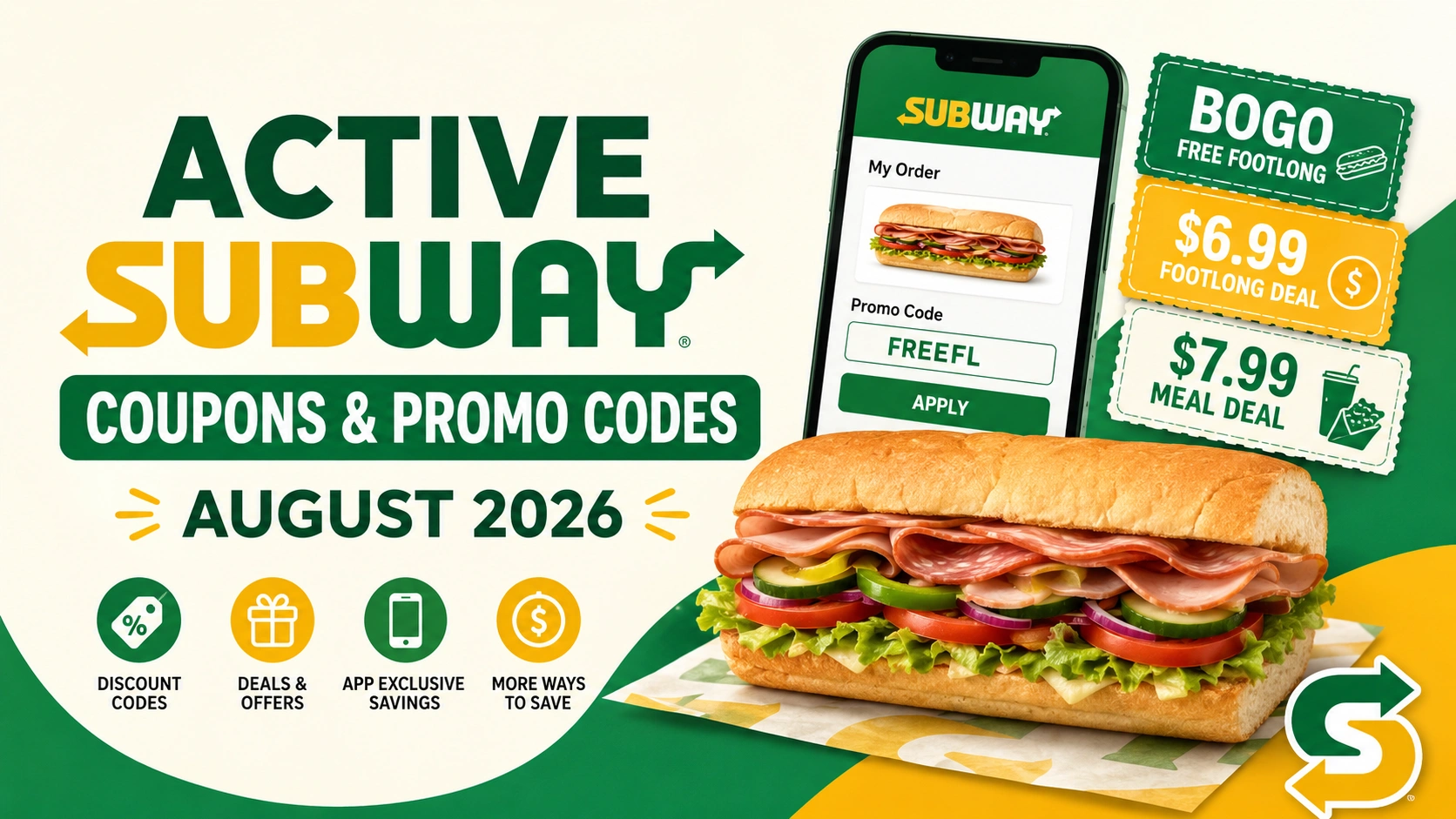
Review your cart and apply any available promo code or rewards.
Step 7
Choose your pickup time or delivery option.
Step 8
Complete payment and submit your order.
You’ll receive a confirmation once your order is accepted.
How to Order Subway Delivery
If delivery is available in your area, simply:
- Open the Subway app or website.
- Enter your delivery address.
- Choose a participating restaurant.
- Build your meal.
- Pay online.
- Track your order until it arrives.
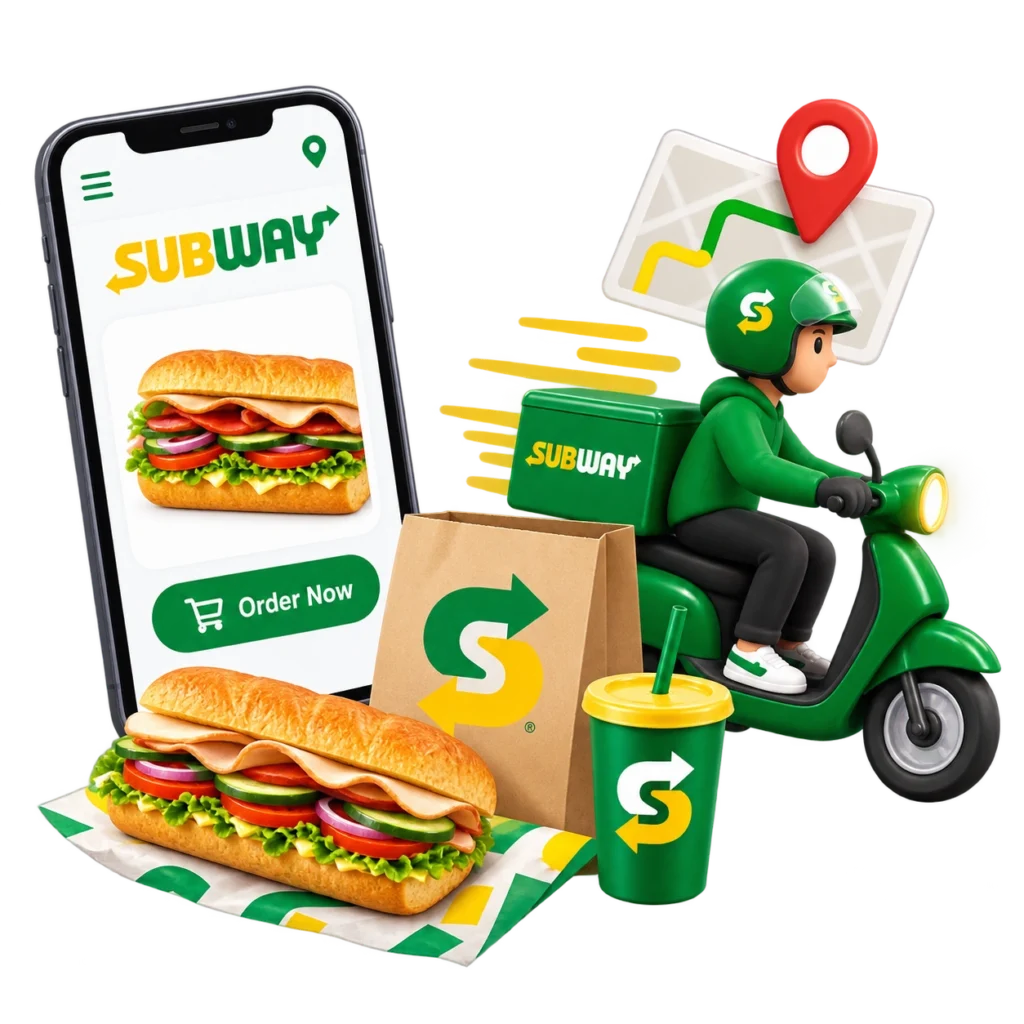
Delivery is only available at participating restaurants and may include additional service or delivery fees.
Can You Customize Your Subway Sandwich?
Yes.
One of Subway’s biggest advantages is that nearly every sandwich can be customized.
You can usually choose:
- Bread
- Size
- Protein
- Cheese
- Vegetables
- Sauces
- Toasted or Not Toasted
Availability may vary by restaurant.
Tips for First-Time Subway Customers
- Decide whether you want a 6-inch or Footlong before ordering.
- Look at the menu while waiting in line.
- Don’t worry if you’re unsure—the Sandwich Artist will guide you through each step.
- Try one of the Subway Series sandwiches if you don’t want to build your own.
- Join the Subway rewards program to earn points and receive eligible offers when ordering through the app or online.
If you’re not sure what to order, take a look at our complete Subway menu to see all available sandwiches, wraps, salads, sides, and drinks before you visit.
Frequently Asked Questions
Final Thoughts
Now that you know how to order from Subway, the process should feel much easier. Whether you order in-store, online, or through the Subway app, you’ll be guided through each step—from choosing your bread to selecting your favorite toppings and sauces.
If it’s your first visit, don’t hesitate to ask questions. Subway employees are used to helping new customers, and within a few minutes, you’ll have a sandwich made exactly the way you like it.